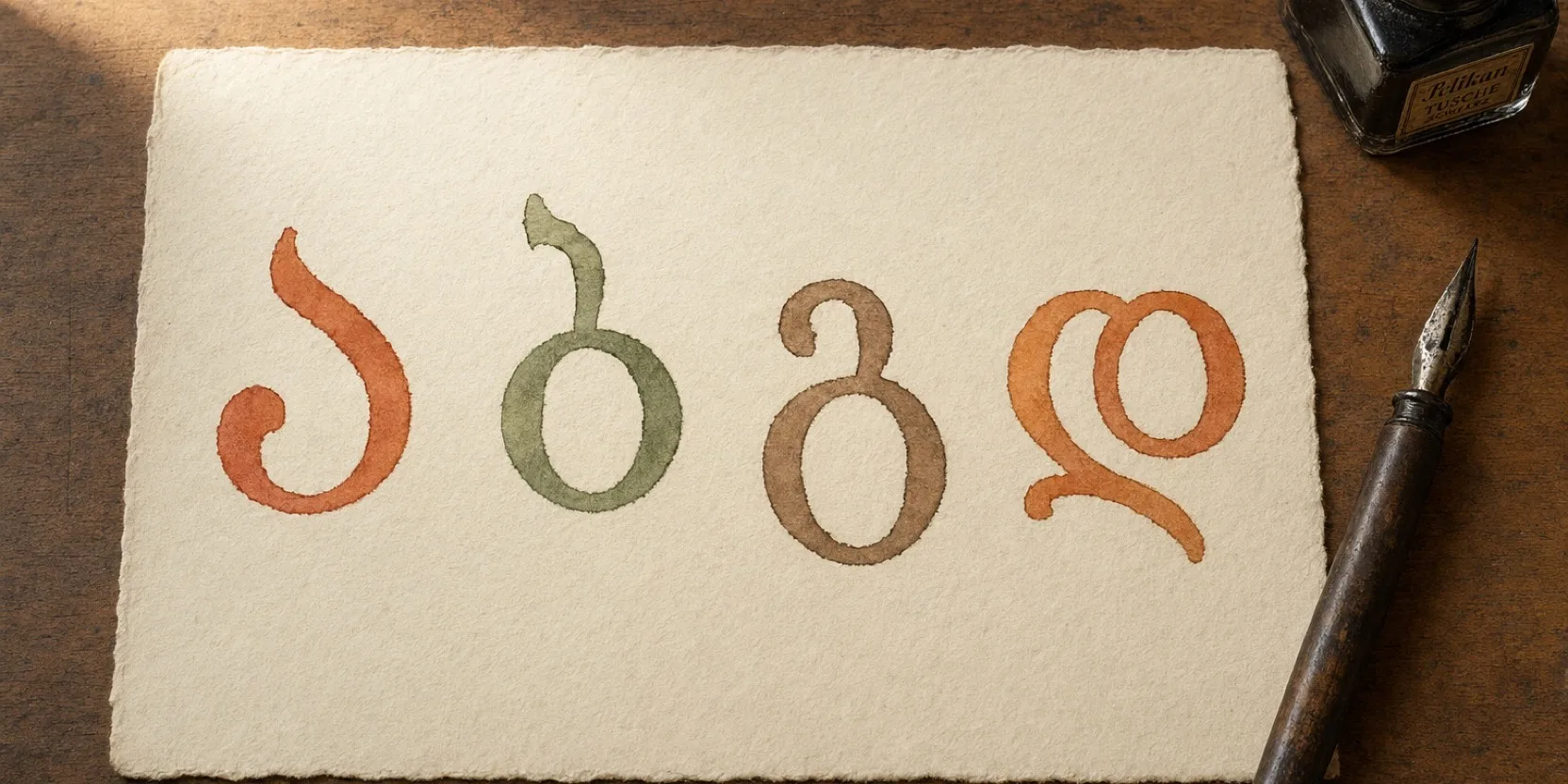





There are two ways to type in Georgian and the right one depends entirely on how often you plan to do it. If this is a one-off, write the words in Latin letters the way they sound and run them through a converter. If you are learning the language, spend four minutes installing a Georgian keyboard layout, because it is already sitting inside your operating system and it costs nothing.
The reason this question comes up at all is that Georgian uses its own alphabet, 33 letters that look like nothing else, and no amount of staring at a Latin keyboard reveals where they went. Copy-pasting out of Google Translate works exactly twice before it becomes unbearable.
The fastest route if you cannot install anything
Sometimes you are on a work laptop, or a friend’s computer, or you simply want to send one message without changing your system settings.
Type the Georgian in Latin letters, the way it sounds, and convert it. EasyGeorgian’s free Georgian transliteration tool takes text like gamarjoba, rogor khar and returns it in Georgian script. It is free, it needs no signup, and there is a button to send the result straight to Google Translate if you want a check.
The part that makes this harder than it sounds is ambiguity. Several Georgian letters share one Latin letter in casual writing, so a Latin t could be თ or ტ and a Latin k could be ქ or კ. Those are genuinely different sounds and swapping them produces a spelling no Georgian would recognize. Write k’argad, meaning well, without any marker on the first letter and something has to work out which of the two you meant. The tool does it by generating every possible reading of each word and scoring them against a dictionary of 56,000 real Georgian word forms ranked by how often they actually occur, then letting you tap any word to switch readings if it guessed wrong.
For anything longer than a few sentences, install a keyboard instead.
Add a Georgian keyboard on a Mac
Open System Settings, click Keyboard in the sidebar, find Text Input, and click Edit. Add Georgian from the list, and you will be offered Georgian QWERTY among the options. Take that one.
Turn on the input menu in the menu bar while you are in there. Being able to see which keyboard is currently active saves a lot of typing a sentence in the wrong alphabet and then deleting it.
I have Georgian QWERTY installed on this machine alongside English and Russian and switch between them constantly. It takes a day or two before the switch stops being a conscious decision.
Add a Georgian keyboard on Windows
Open Settings, go to Time and language, then Language and region. Click the three dots next to your display language, choose Language options, and under Keyboards select Add a keyboard. Georgian appears in the list.
To switch, hold the Windows key and press Space. Each press cycles to the next installed layout. There is also a language button in the system tray if you would rather click.
Add a Georgian keyboard on a phone
On an iPhone, the keyboards live in Settings, under General, then Keyboard, then Keyboards, where you add a new one. On Android the Georgian layout is added inside your keyboard app rather than the system settings, so in Gboard you go to its languages screen and add Georgian there.
Both are worth doing early, because the phone is where most people actually end up writing Georgian. Once it is installed, the globe key on the keyboard switches between languages, and Georgian autocorrect turns out to be surprisingly good at guessing what a learner meant.
Apple and the Android manufacturers rearrange these menus regularly and the wording differs between phone brands, so treat the paths above as the shape of the thing rather than an exact script. What you are looking for is always some combination of the words keyboard, language, and add.
The two Georgian layouts, and which one to pick
You will be offered more than one Georgian layout and the choice matters more than it looks.
Georgian QWERTY, sometimes called the phonetic layout, places each Georgian letter on the Latin key that sounds like it. Press the key where you would type an English b and you get ბ. Press d and you get დ. If you already touch-type, most of your existing muscle memory survives the transition, which is the entire argument for it.
The Standard layout, also called the national layout, is the traditional one. It descends from Georgian typewriters and was designed for Georgian on its own terms, putting the most frequently used letters in the easiest positions to reach.
For a learner, pick QWERTY, and the choice is easier than it looks because it is also what Georgians pick. The national layout is close to obsolete on computers now. Georgian QWERTY is the de facto standard across the country, on personal machines, work machines, and government ones, so you are unlikely to meet the national layout even when typing on somebody else’s keyboard in Tbilisi. Choosing it would mean learning the alphabet and an unfamiliar typing layout at the same time, which is two problems where one will do.
Why 33 letters do not fit on 26 keys
Georgian has 33 letters. A Latin keyboard has 26 letter keys. Seven letters have to go somewhere.
They go on shift. Georgian is fully phonetic, one letter for one sound, and modern Mkhedruli has no capital letters at all, so the shift key has nothing else to do. Where an English keyboard uses shift to give you A instead of a, a Georgian layout uses it to give you a different letter entirely.
The other 26 you can guess. Press the Latin key whose sound matches and you will usually be right, so b gives ბ, d gives დ, g gives გ. These are the seven you cannot guess, taken from the Georgian QWERTY layout that ships with macOS.
| Press | You get | Sound |
|---|---|---|
| Shift and W | ჭ | ch’ |
| Shift and R | ღ | gh |
| Shift and T | თ | t |
| Shift and S | შ | sh |
| Shift and J | ჟ | zh |
| Shift and Z | ძ | dz |
| Shift and C | ჩ | ch |
Most of those pairings are just a letter parked next to a relative, which makes them easy enough to remember. S gives ს and shift gives შ. C gives ც and shift gives ჩ. Z gives ზ and shift gives ძ. ღ on shift and R is the one with no real logic to it, and you learn that one by using it.
One pairing is worth noticing for a different reason. The T key gives you ტ, the ejective, and shift and T gives you თ, the aspirated one. Those two are a genuine pair, and they are among the sounds an English ear hears as identical at first. The other ejective pairs are not arranged this way, so do not go looking for a system. კ and ქ sit on K and Q, and პ and ფ sit on P and F, on separate keys entirely.
The practical upside is that typing forces the choice. You cannot write the word without deciding which of the two letters you meant, which makes it a better drill than it has any right to be. The sounds themselves are covered properly in our Georgian pronunciation guide.
There is a version of Mkhedruli with capitals, called Mtavruli, but it is used for all-caps titles and emphasis rather than for sentence capitalization, so it does not affect how you type.
If the alphabet itself is still the sticking point, that is genuinely an afternoon of work rather than a project, and our free alphabet tool teaches all 33 letters by hiding them inside words you already know.
How Georgians type Georgian in Latin letters
Here is the thing almost no English-language guide mentions. A large number of Georgians, especially anyone who was online before Georgian keyboards were universal, type Georgian in Latin letters as a matter of habit.
This is the chat alphabet, and it has its own informal conventions: gh for ღ, kh for ხ, sh for შ, ts for ც, and no consistent way at all of marking the ejective consonants, which is why the same Latin string can mean two different Georgian words. You will meet it in Facebook comments, in text messages, and in half the replies to any Georgian-language post online.
It is worth being able to read even if you never write it, because a lot of real Georgian on the internet is written this way. We covered the conventions and how to decode them in the Georgian chat alphabet post, and the converter above was built specifically to turn this kind of text back into proper script.
Once your keyboard is installed and the alphabet is in your head, the reason to write Georgian rather than read it becomes obvious quickly. Typing a language forces you to commit to a spelling, which forces you to know which of the two t sounds you actually meant, and that is a much sharper test of what you know than recognizing the word on a page. Our Georgian alphabet guide is the place to start if the letters are still new.